SignScribe 2026 for Windows

Road sign design software for Australia and New Zealand.

Lay out direction, guide, warning, airport and message signs to AS 1742, AS 1743, the NZTA TCD Manual and CASA and CAA Part 139. Each legend is set in the road alphabets, and the dimensioned construction drawing, artwork and CAD geometry are exported from the same design.

AS 1742 · AS 1743NZTA TCD ManualAutoCAD · BricsCAD · XeraCAD
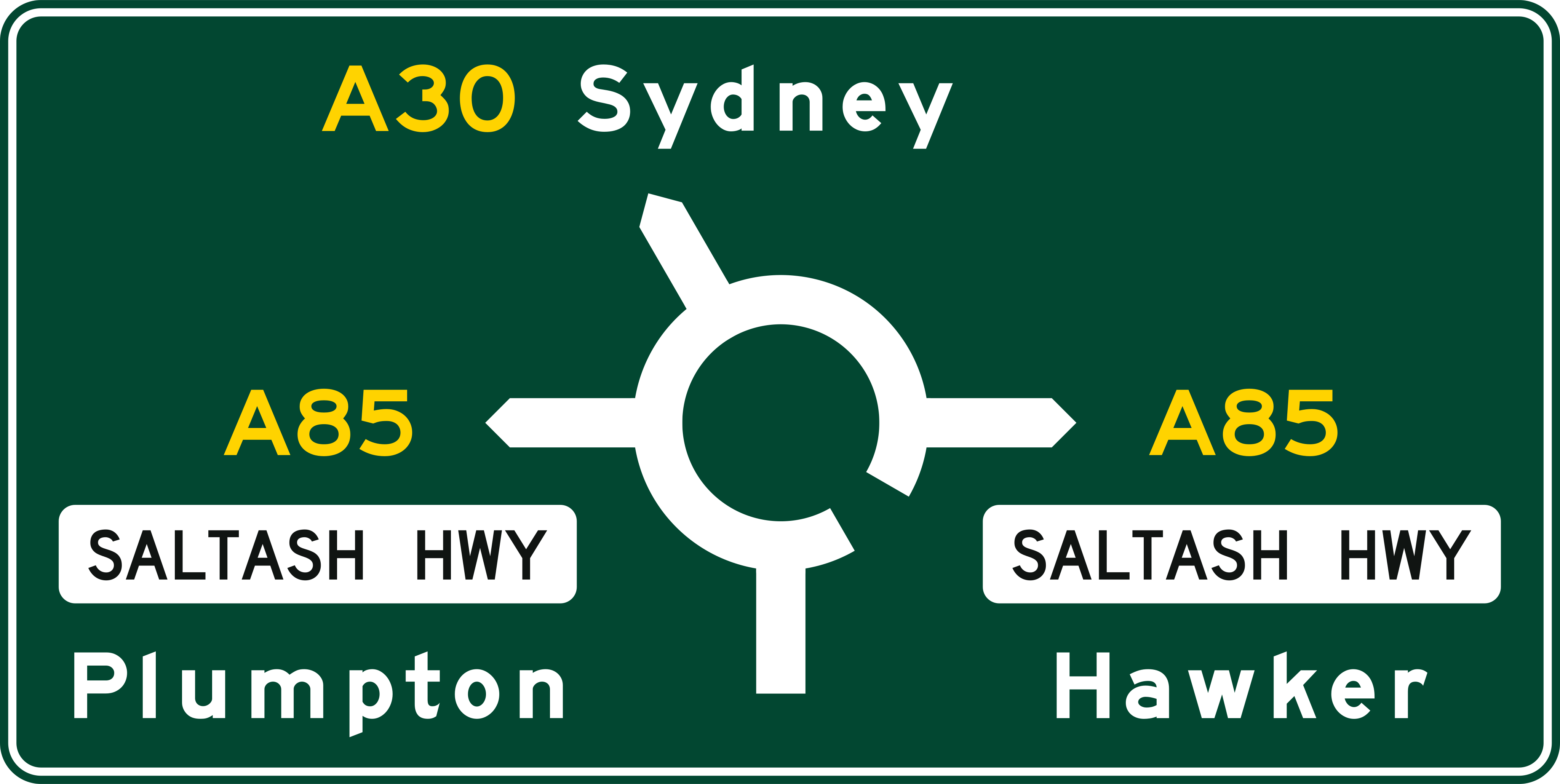
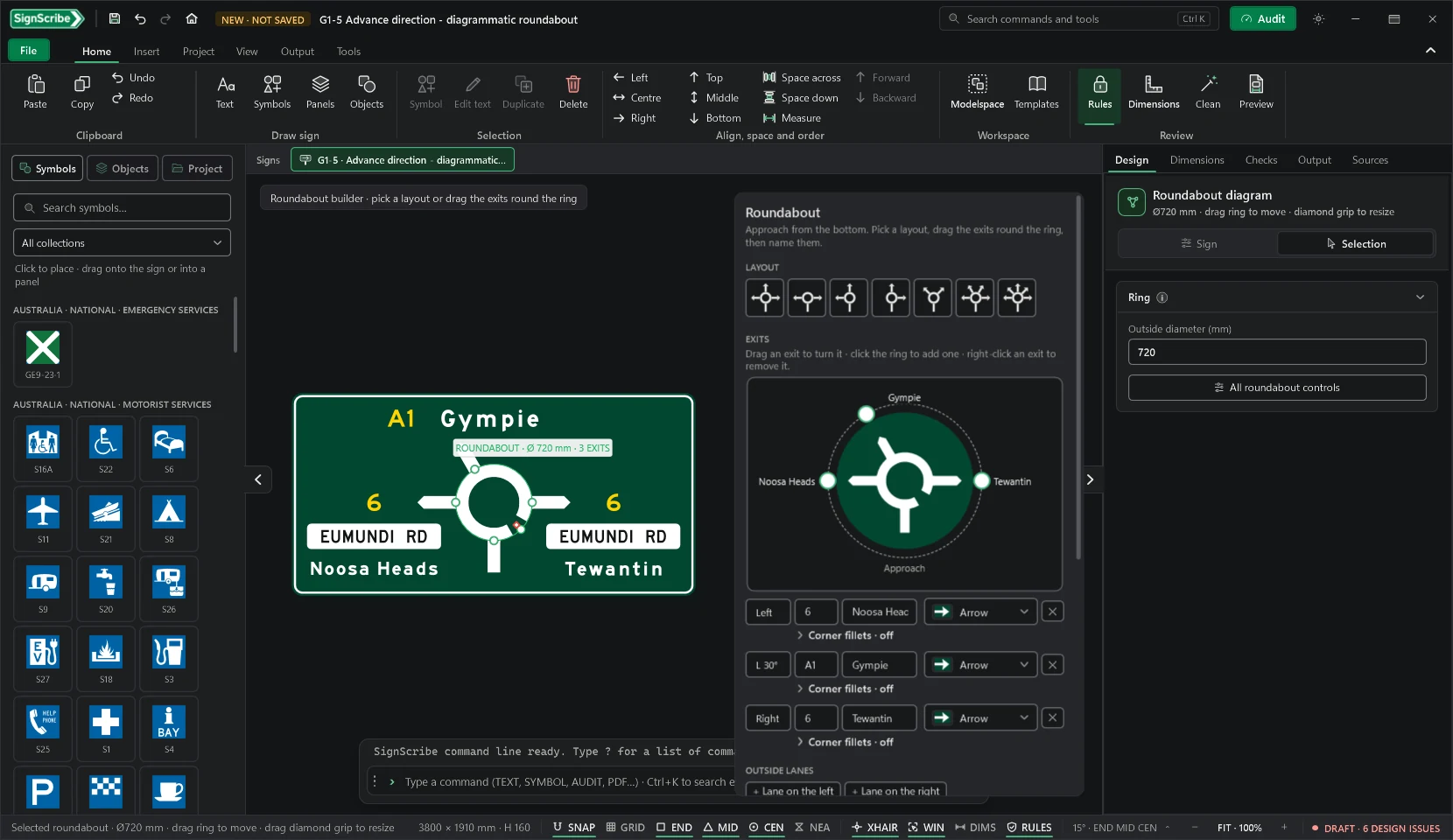
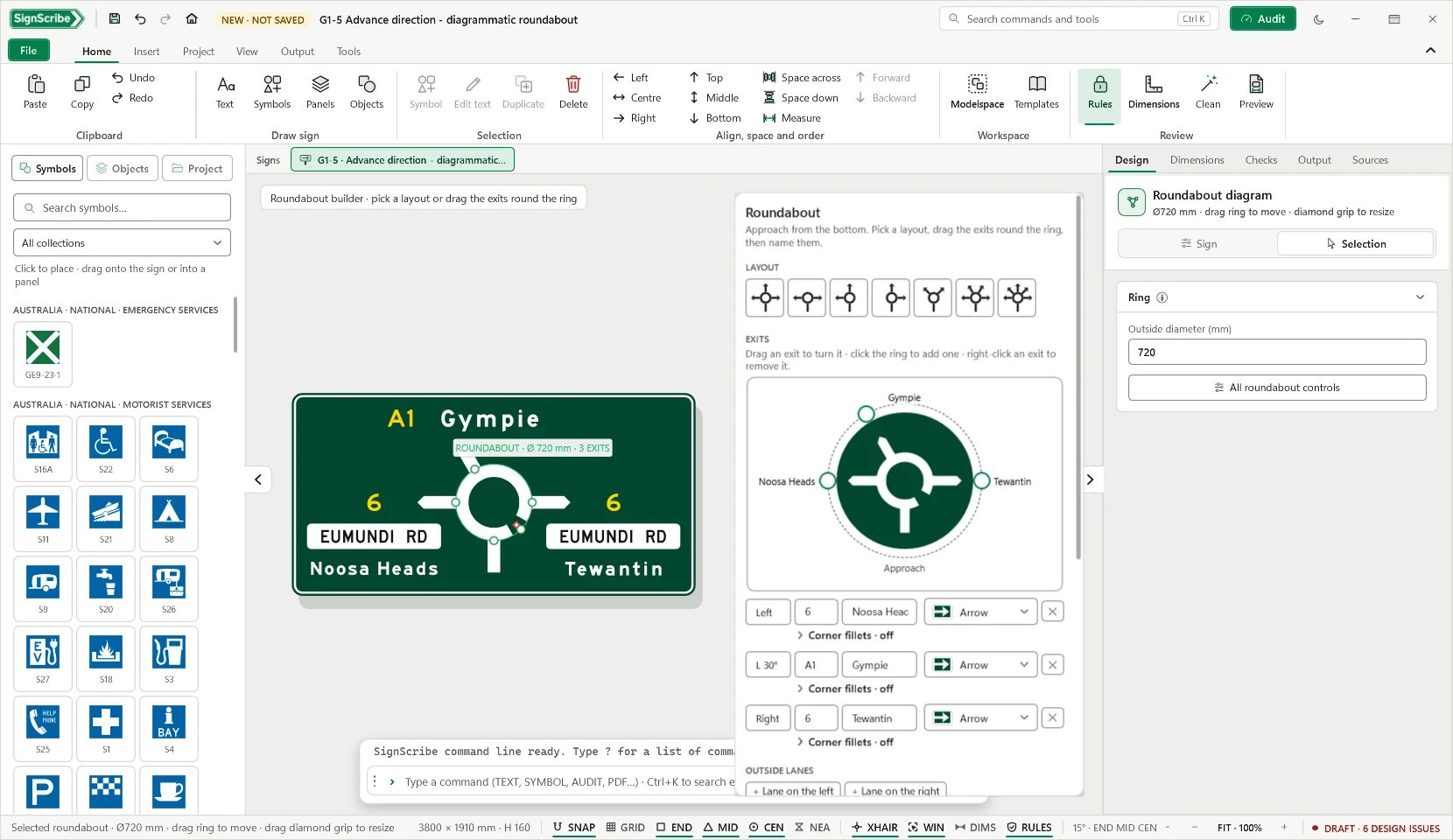
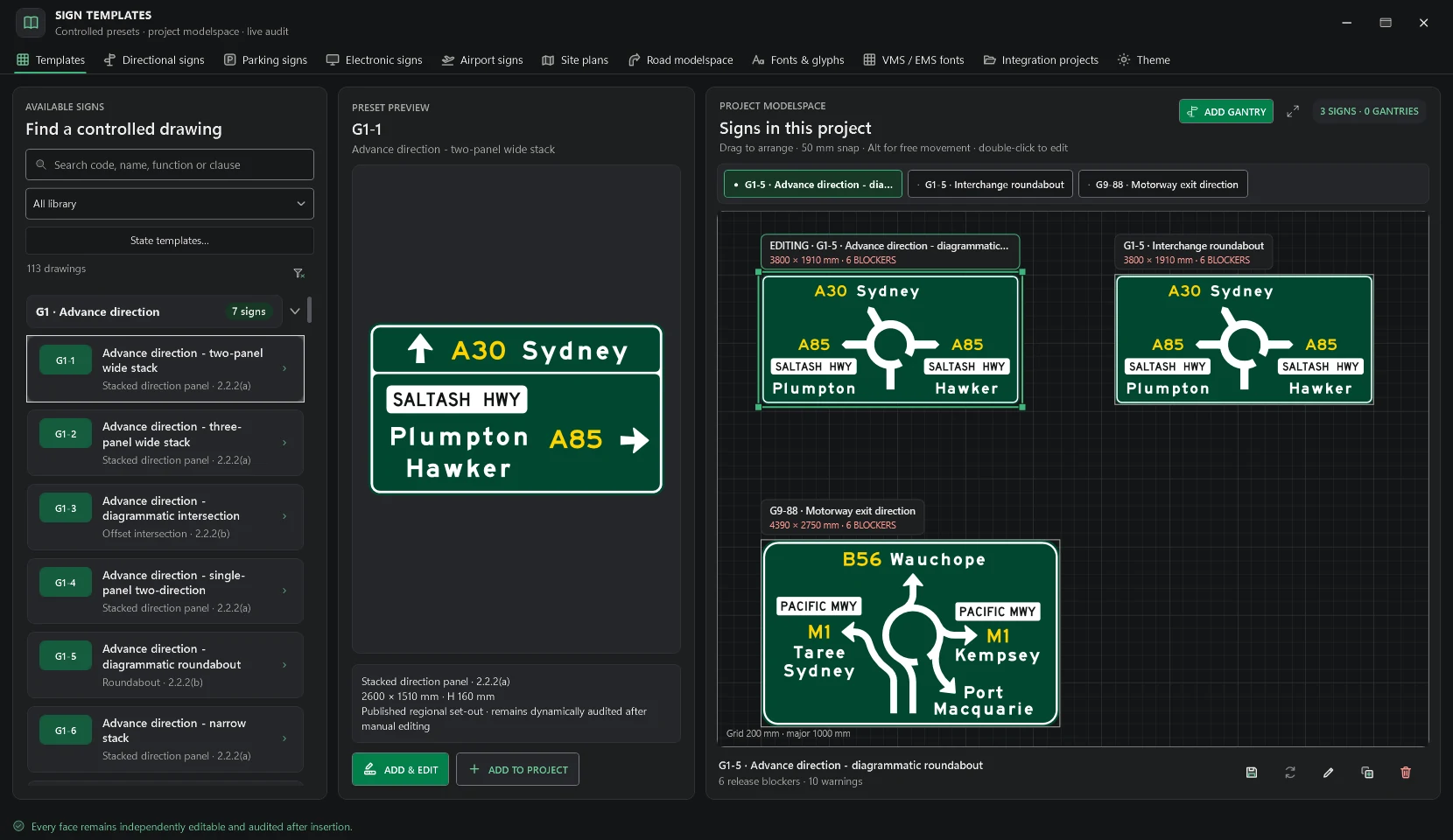
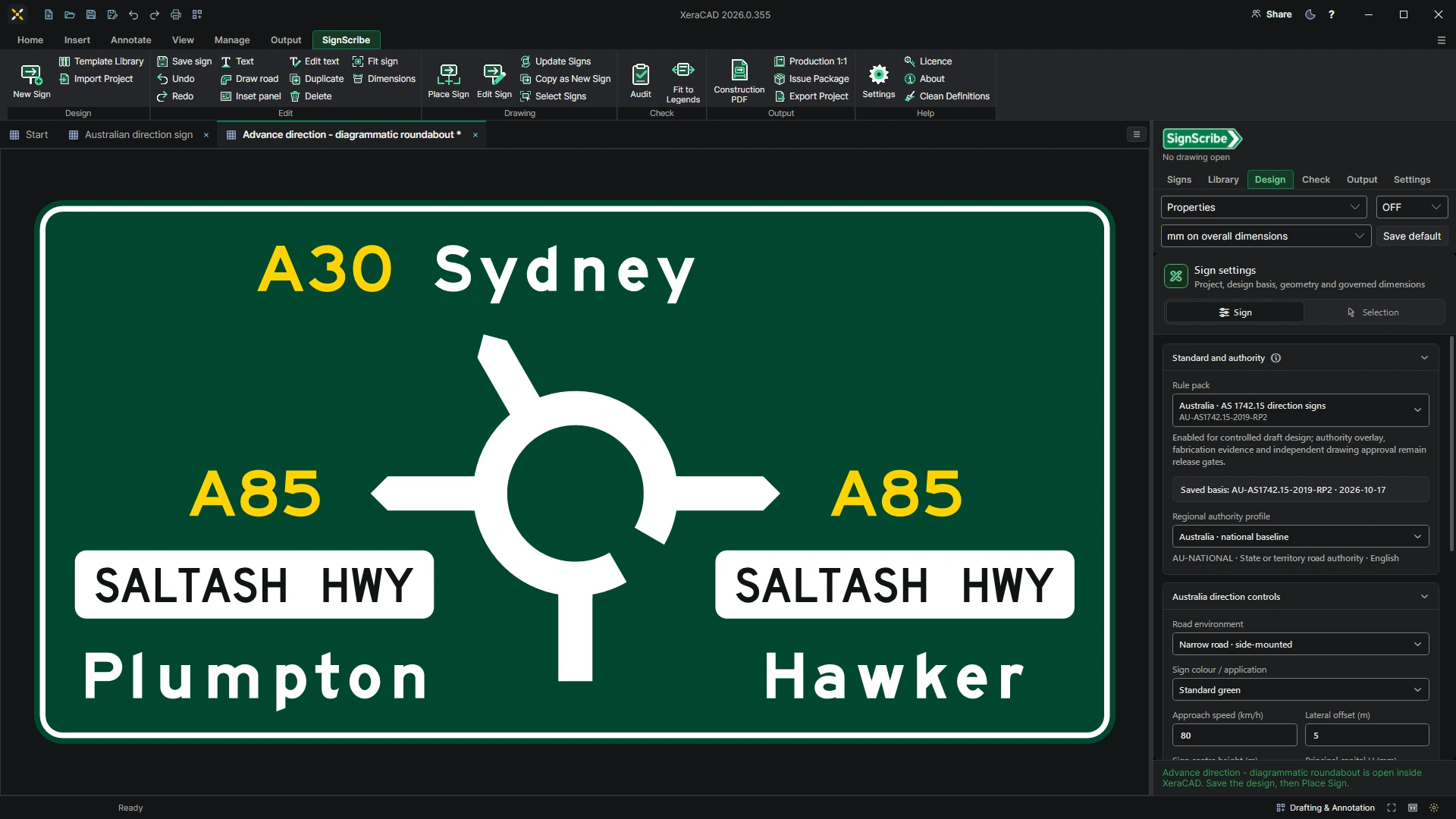
Diagrammatic roundabout with the roundabout builderDiagrammatic roundabout with the roundabout builder
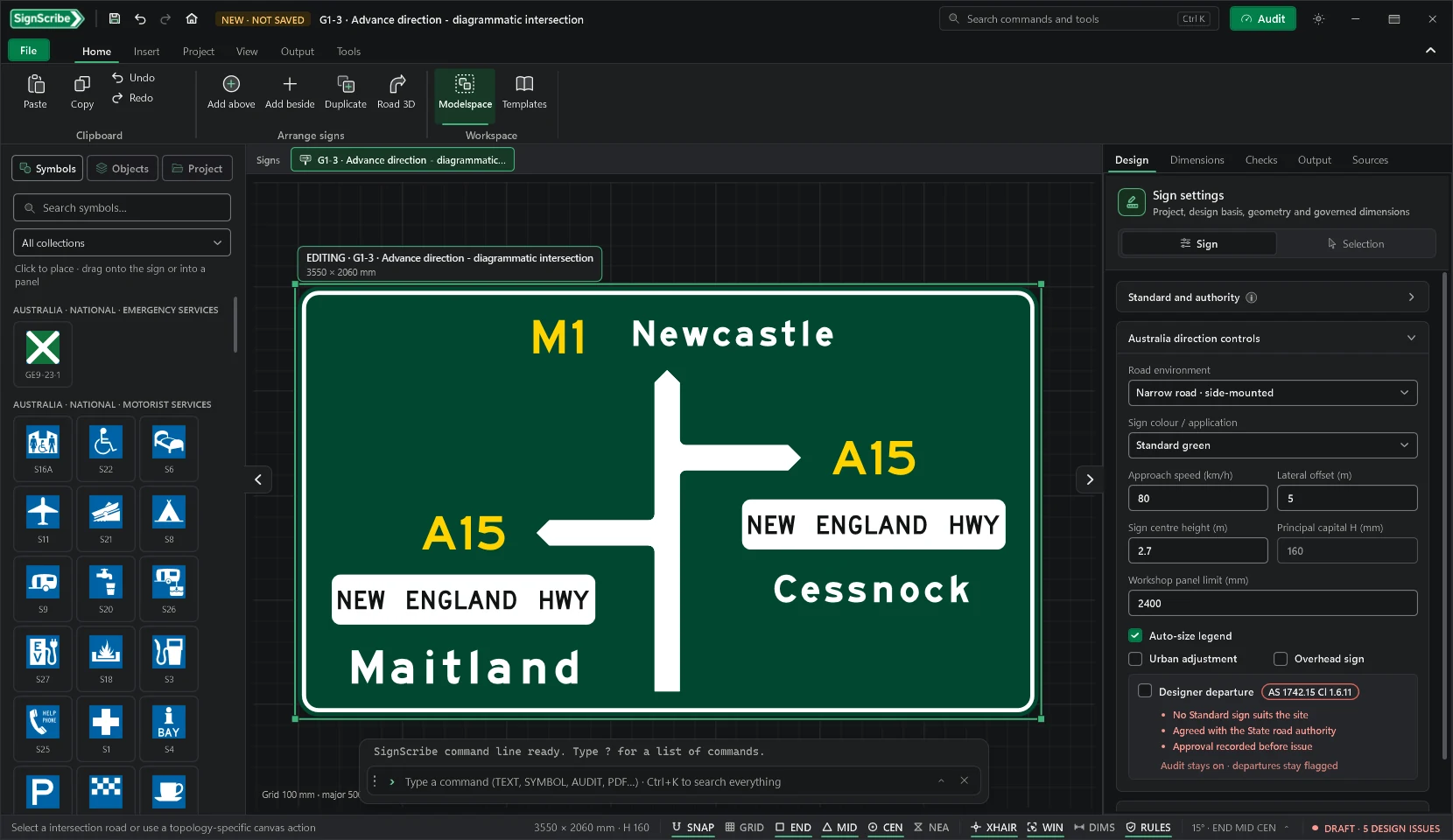
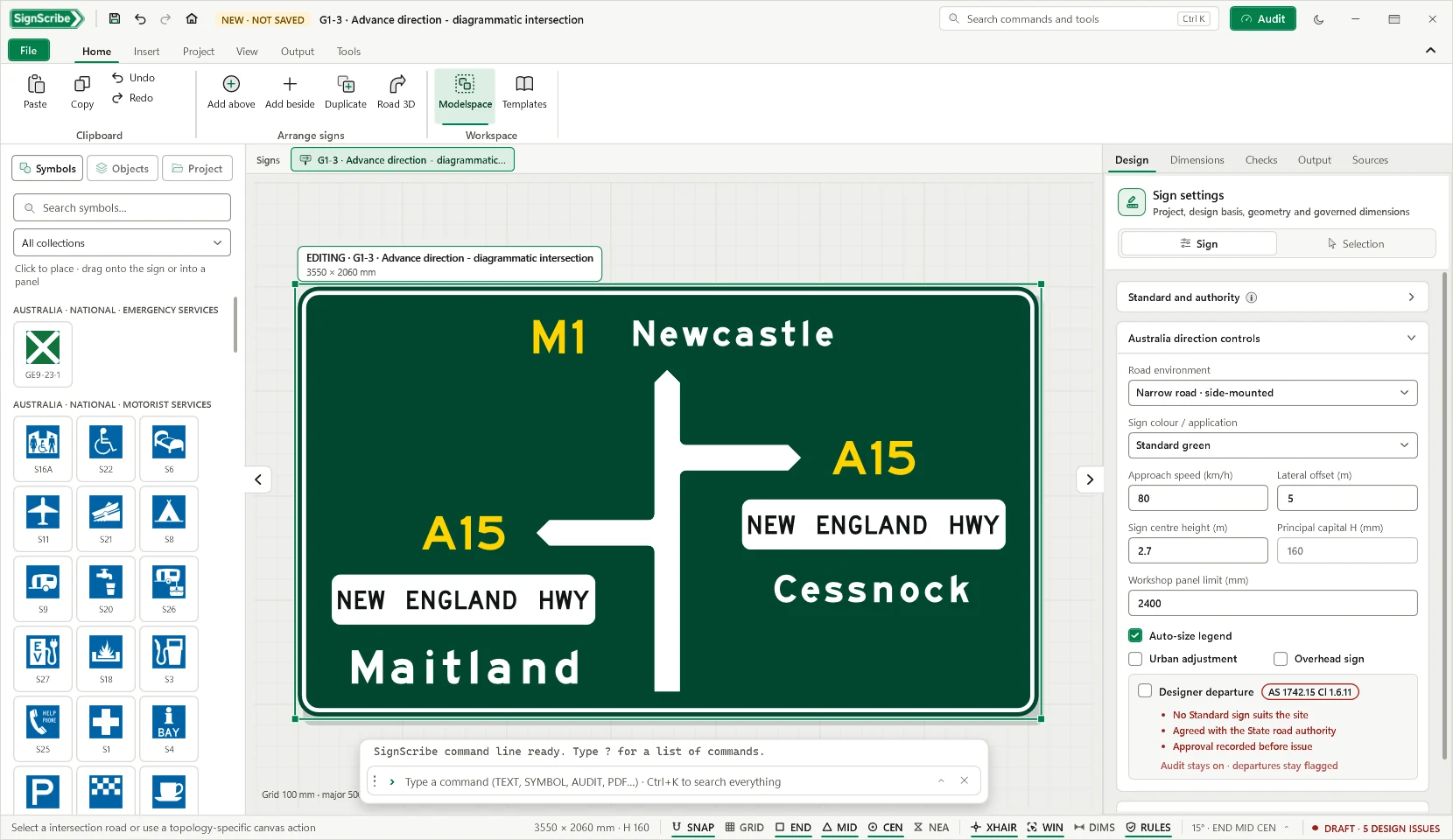
Diagrammatic intersection advance direction signDiagrammatic intersection advance direction sign
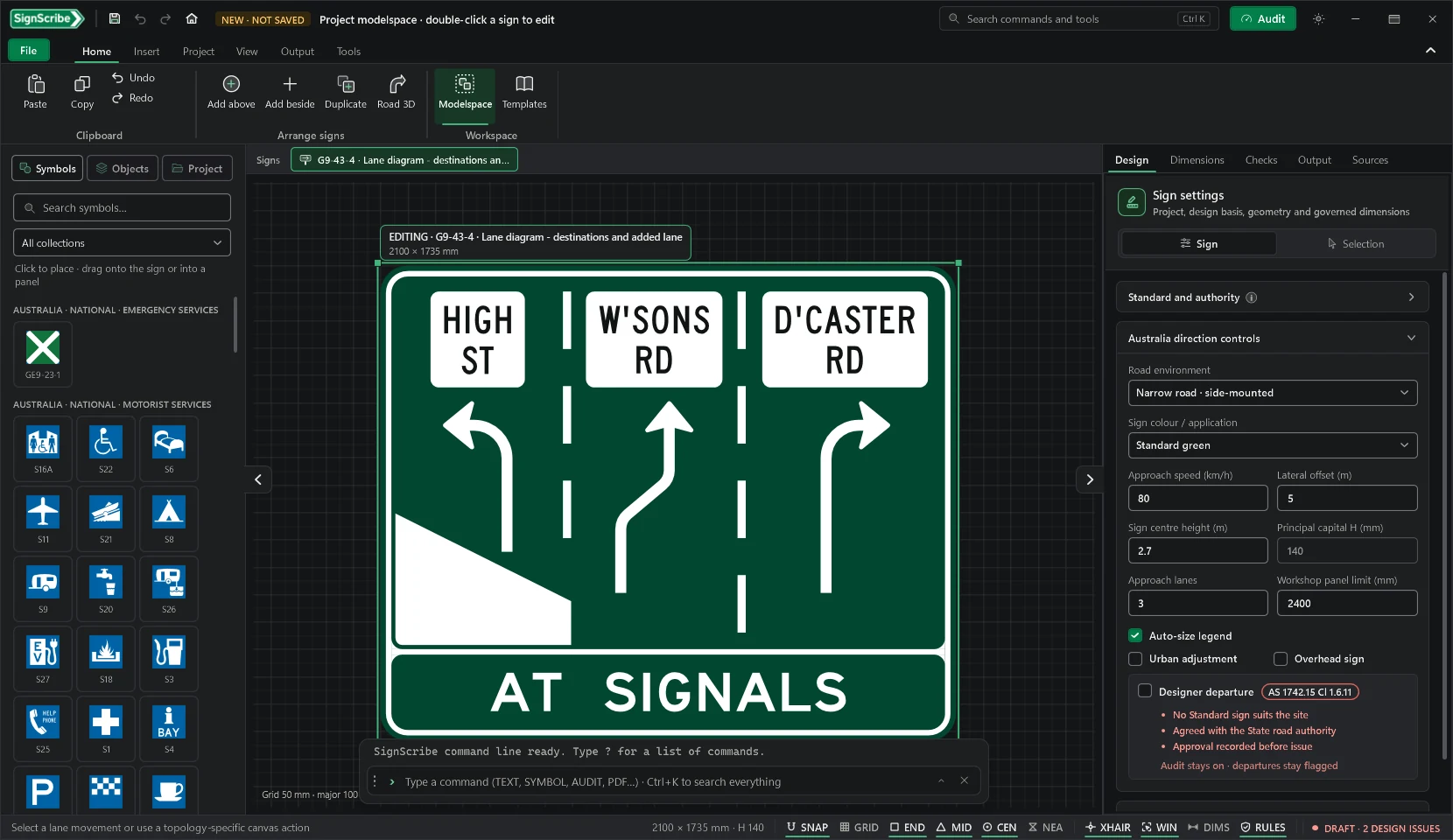
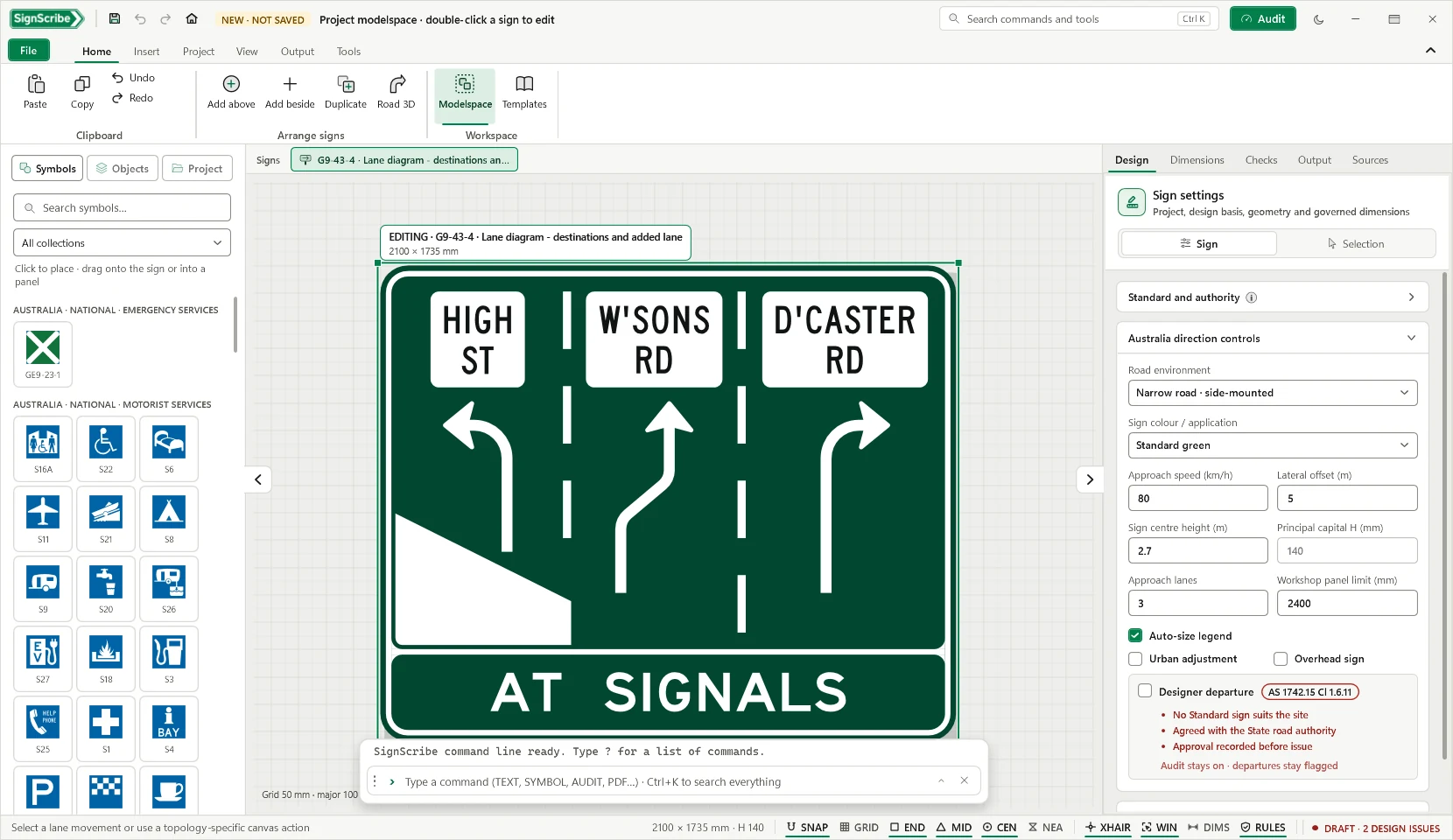
Lane designation diagram with lane movementsLane designation diagram with lane movements
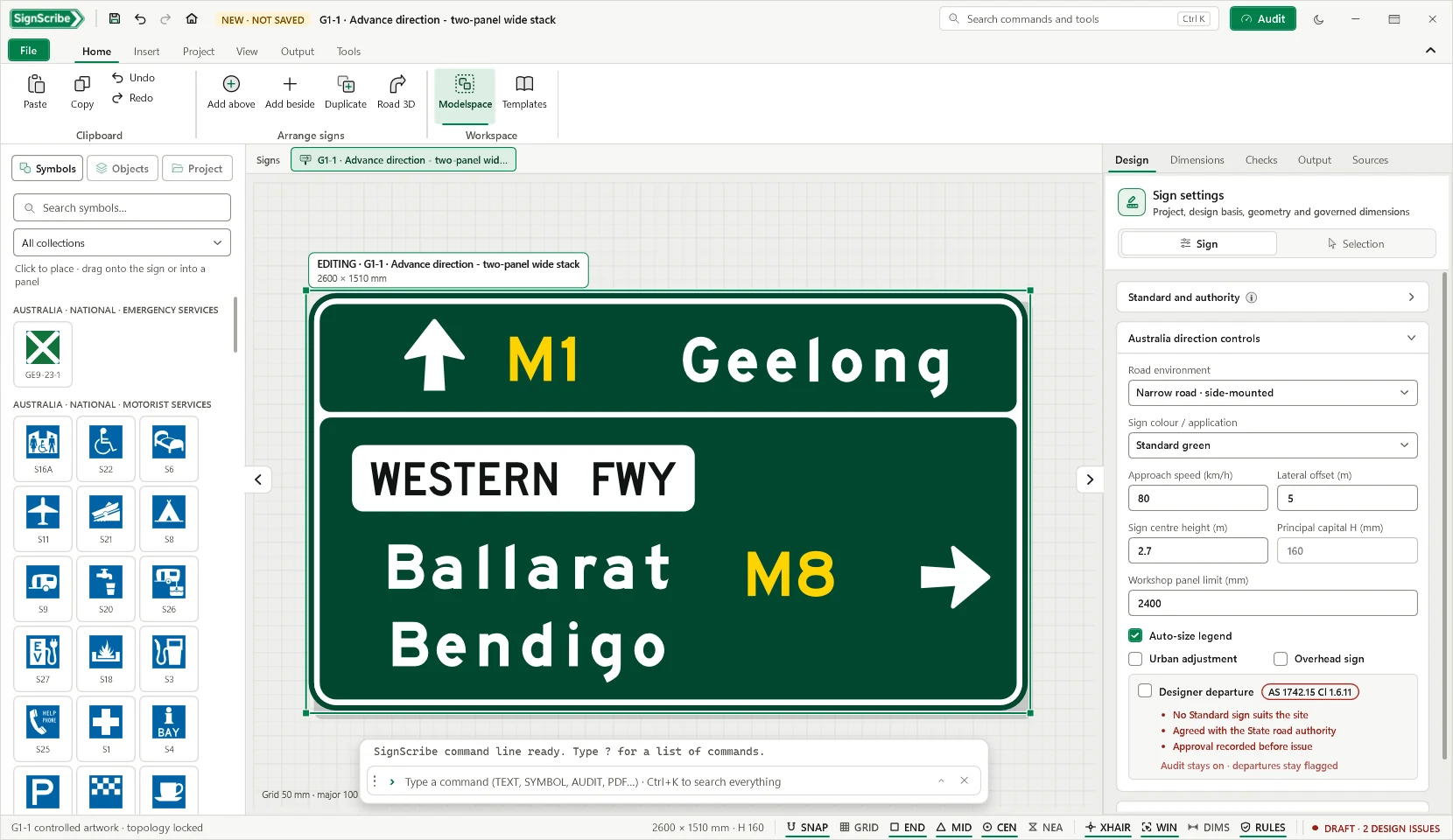
Two-panel motorway advance direction signTwo-panel motorway advance direction sign
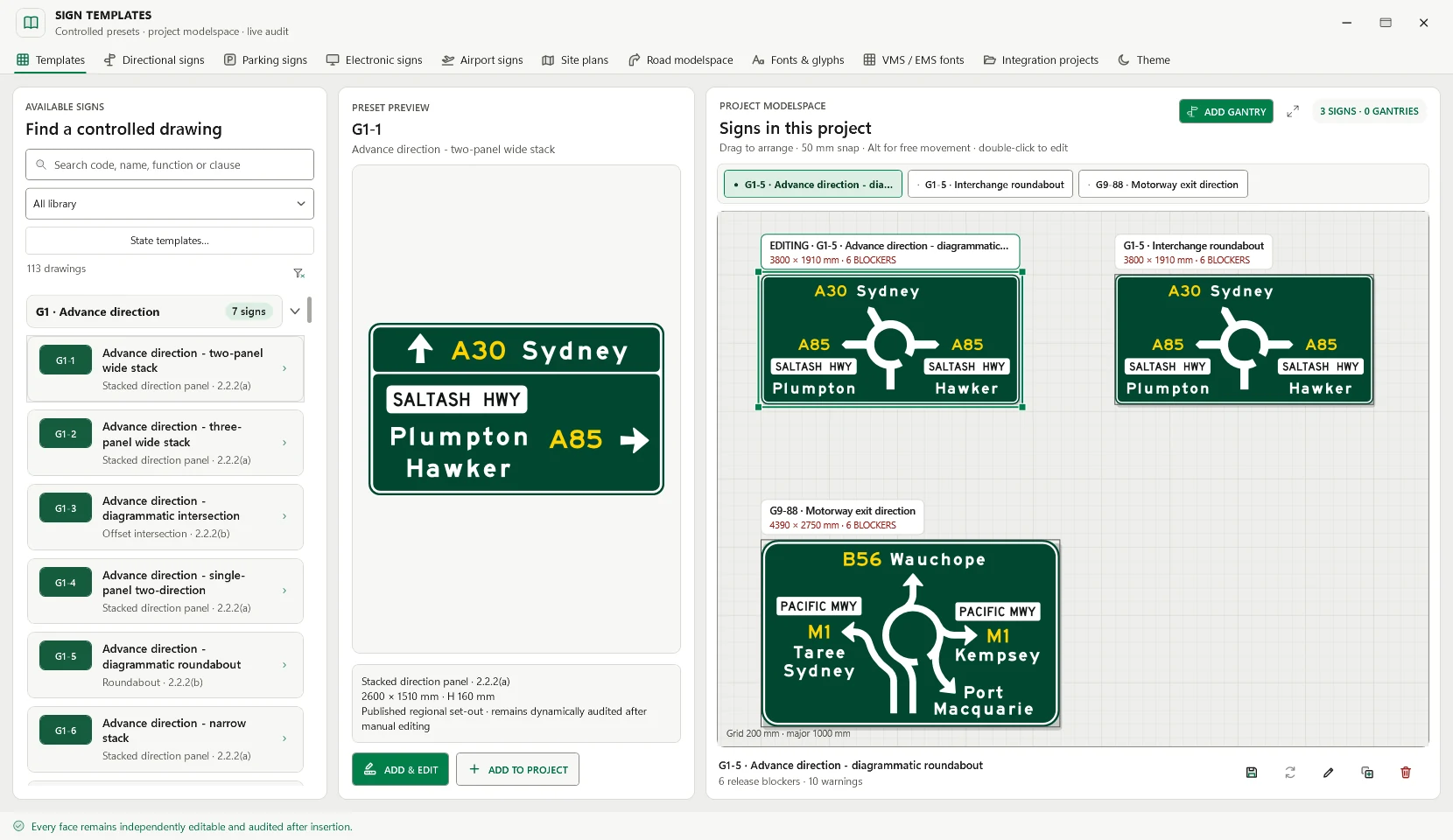
The AS 1743 template libraryThe AS 1743 template library
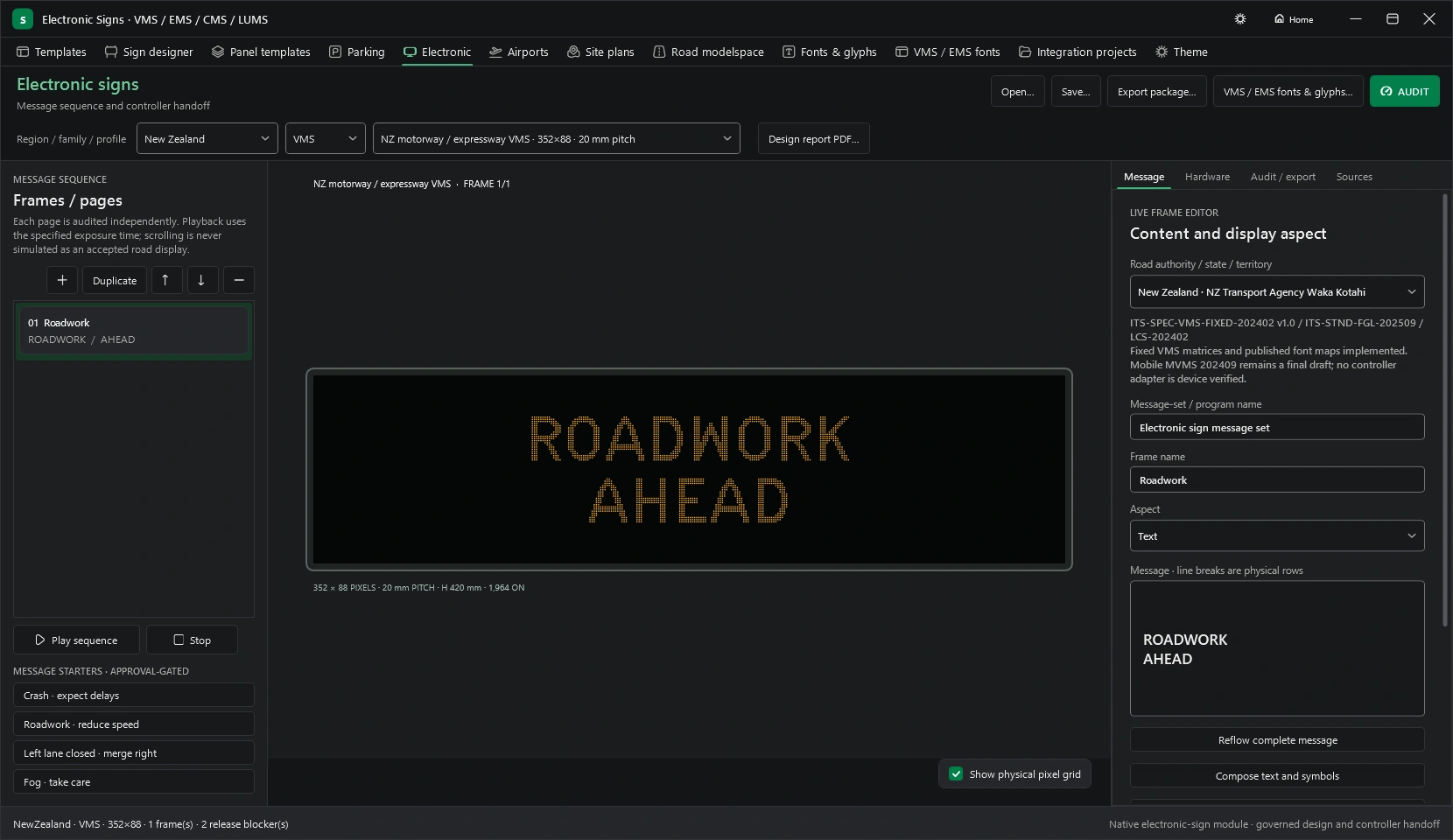
Electronic Sign Message Studio
SignScribe inside XeraCAD
Roundabouts · Turn exits on the dial, type a direction, link the sign for every entrance.Captured from SignScribe 2026

Design and place signs inside

AutoCAD 2025–2027 BricsCAD V26 and later XeraCAD
Australia and New Zealand

Two countries, each with its own rules.

SignScribe carries a complete rule set for each country, not one adapted from the other. Pick the jurisdiction and the templates, lettering, colours, checks and drawing notes follow it.

Australia

AS 1742 and AS 1743, state by state.

  • AS 1742.15 direction signs and the full AS 1743 sign library
  • National and state or territory road-authority profiles
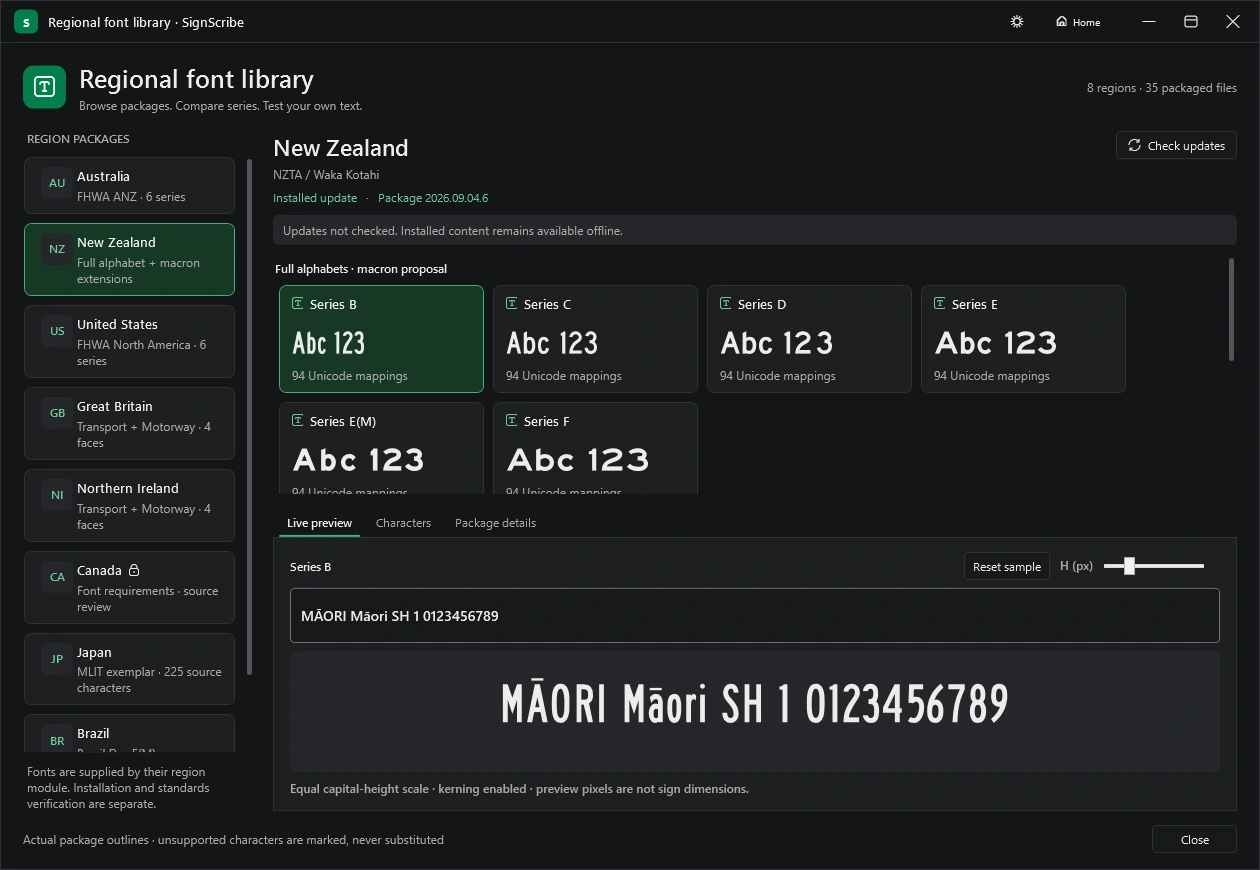
  • Route shields, road-name patches and the ANZ road series B to F
  • Australian VMS device profiles and state pixel-alphabet sources
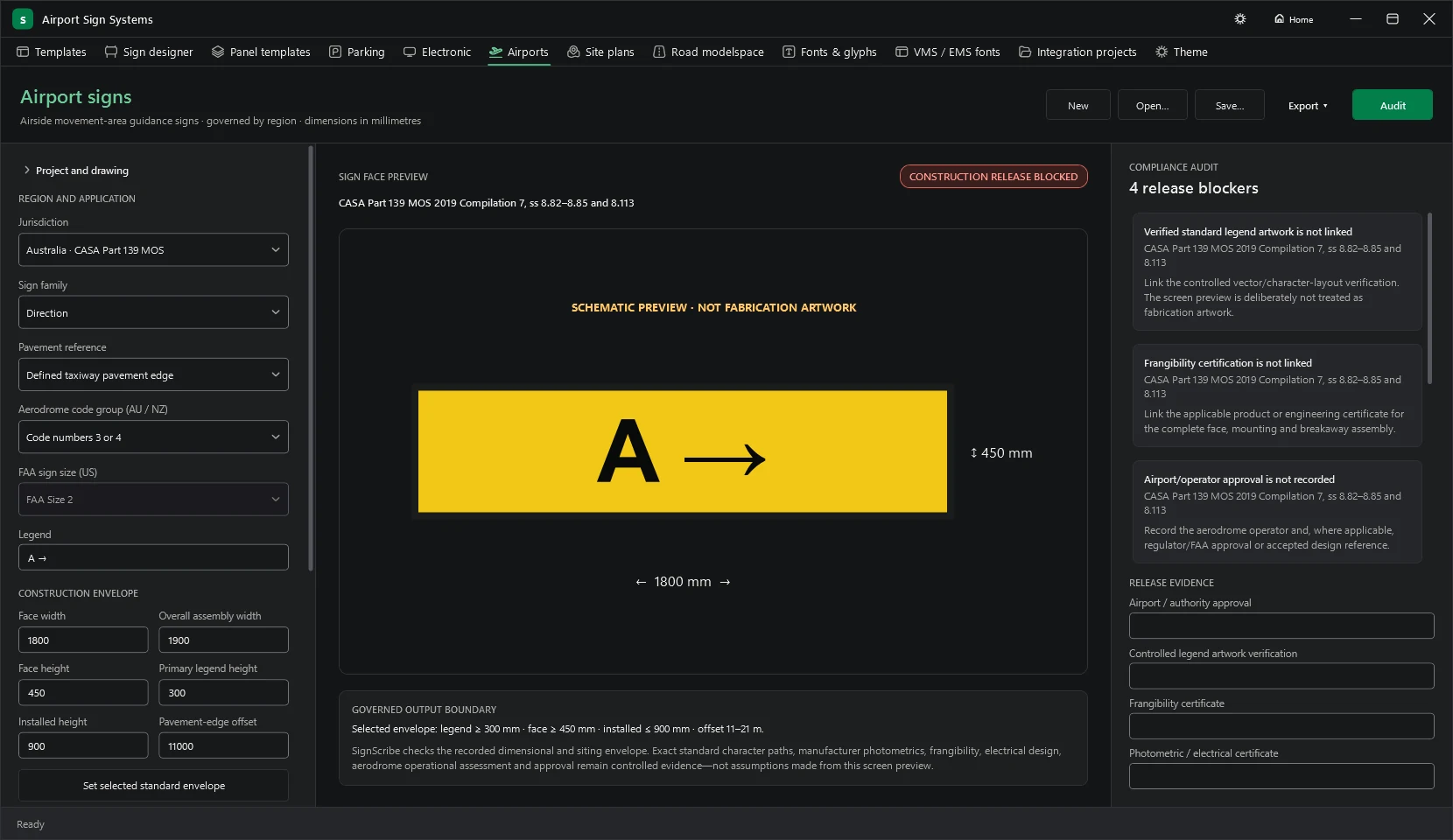
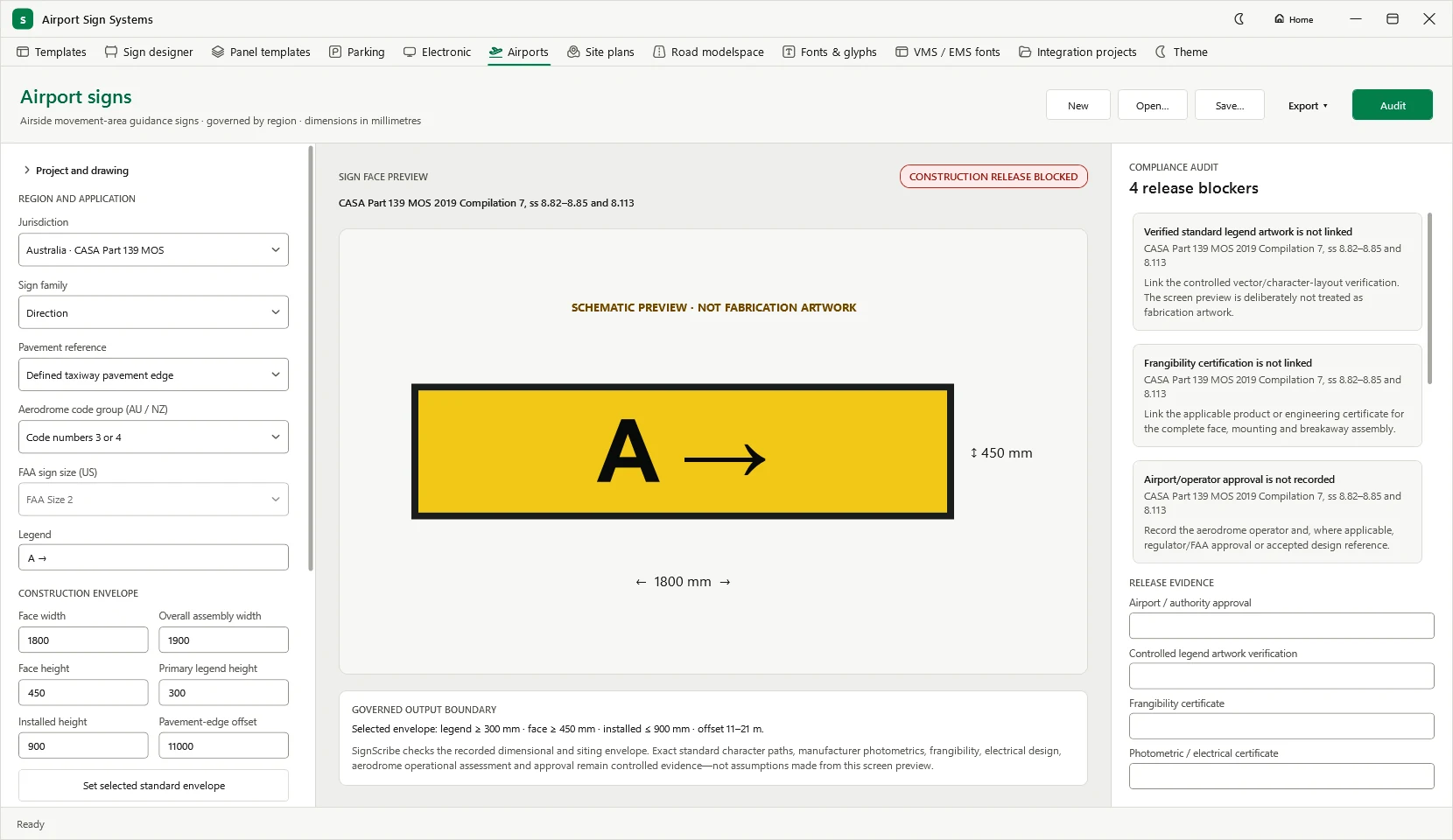
  • Airport signs to CASA Part 139 MOS, including LAHSO
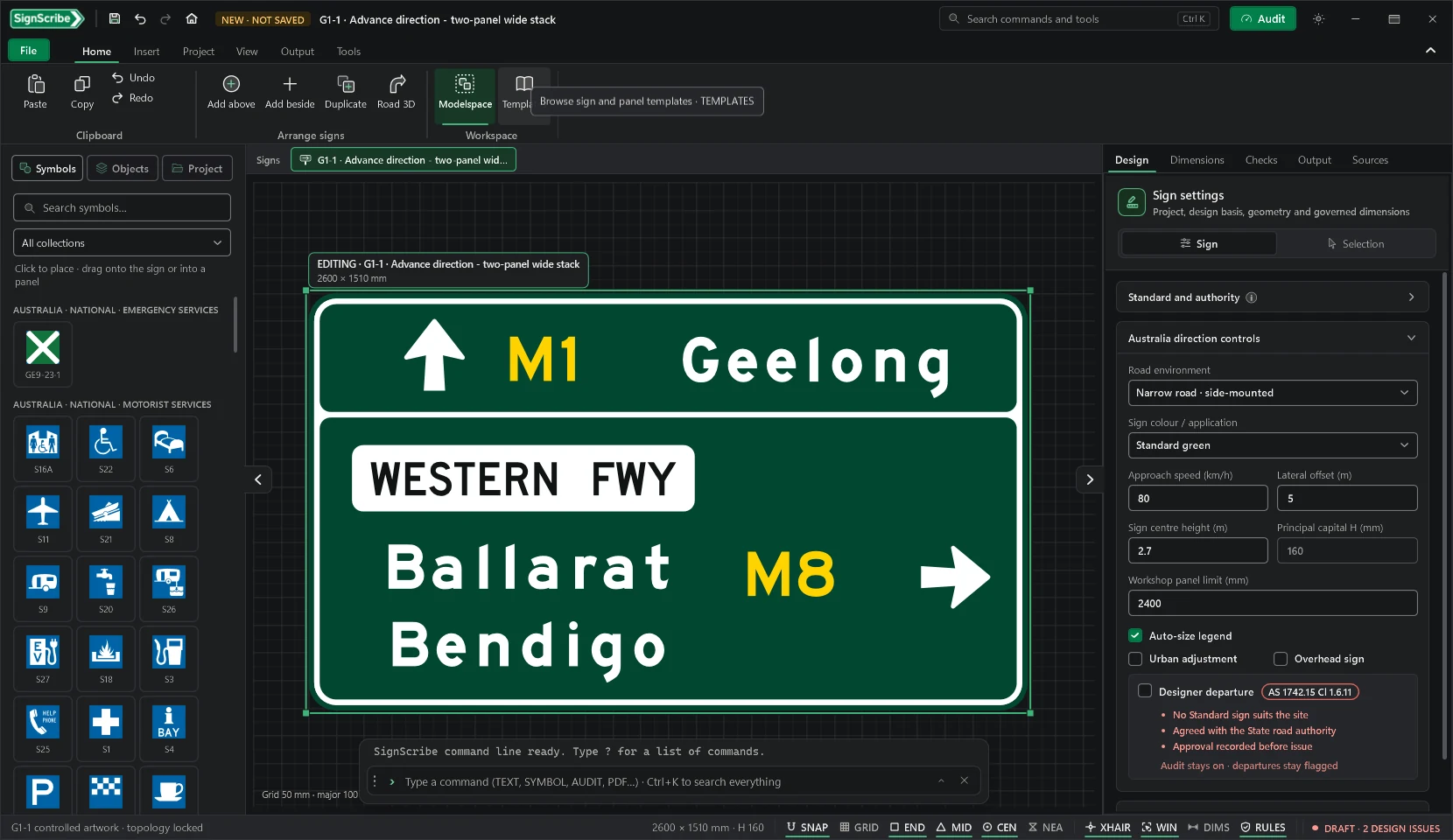
An Australian motorway advance direction sign: M1 Geelong, M8 Western Fwy to Ballarat and BendigoAn Australian motorway advance direction sign: M1 Geelong, M8 Western Fwy to Ballarat and Bendigo
New Zealand

The NZTA TCD Manual, in full.

  • NZ TCD Rule, TCD Manual and NZTA specifications
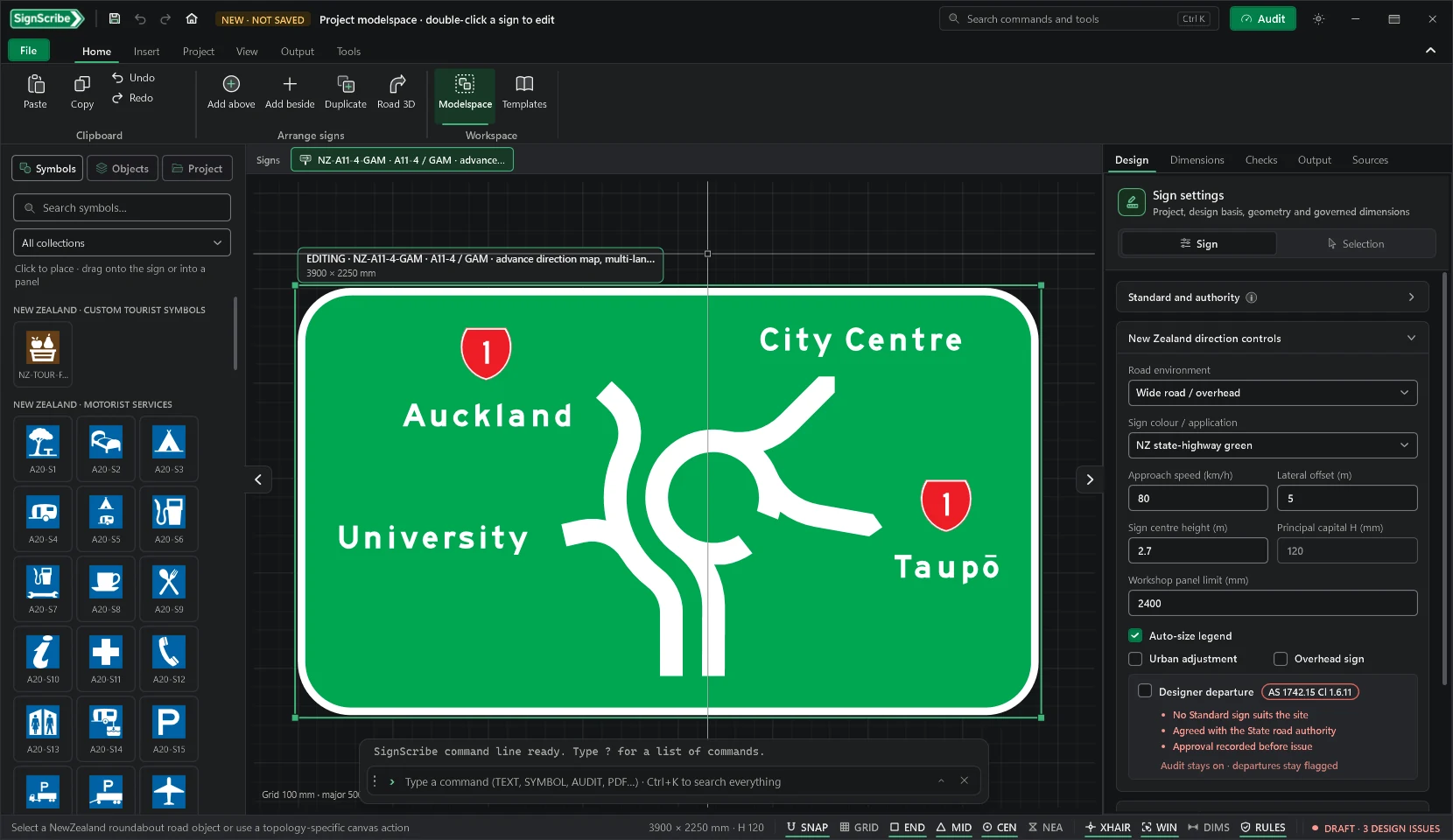
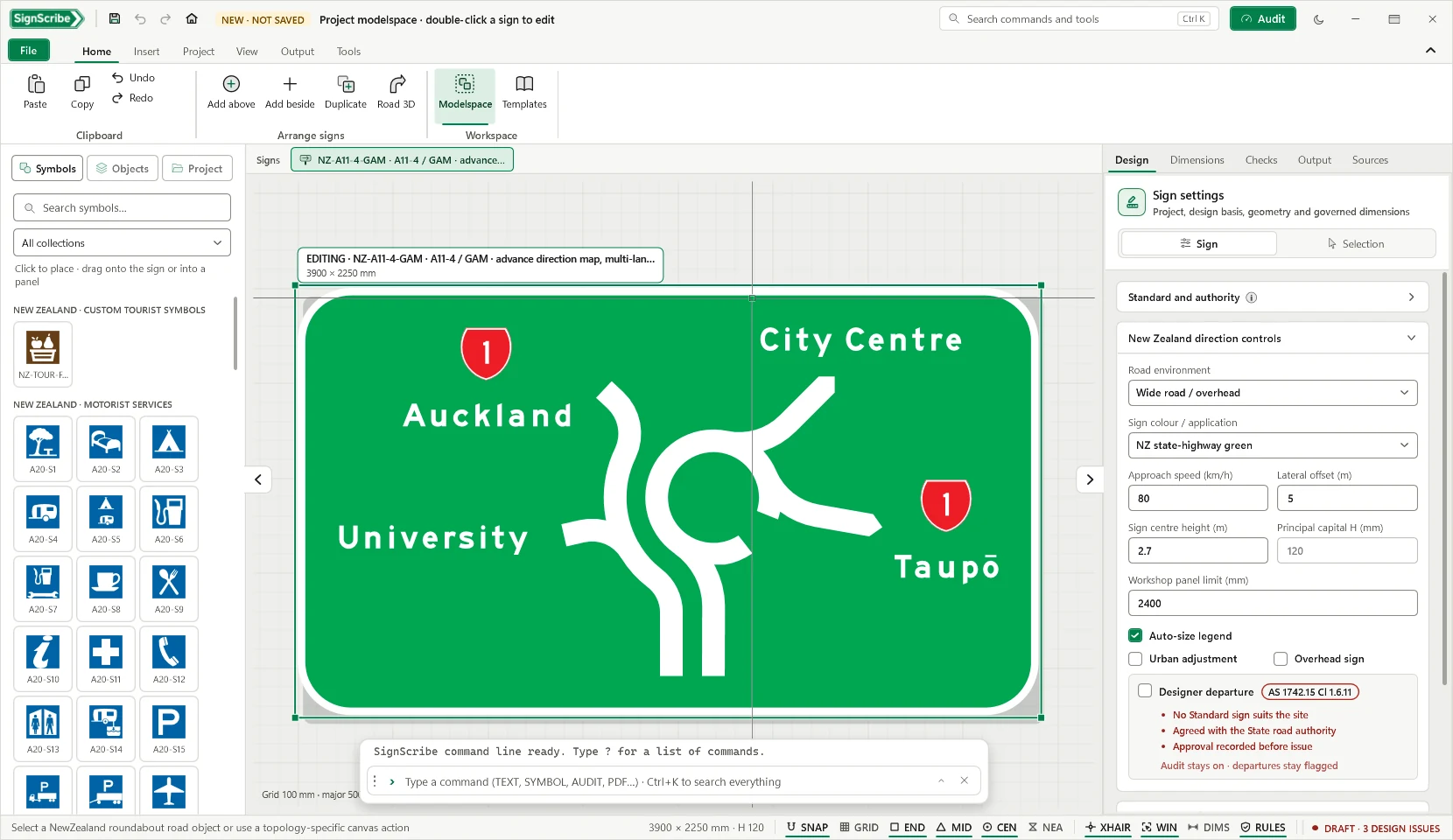
  • Advance direction maps and guide signs with state-highway shields
  • Māori place names with tohutō, set and measured correctly
  • NZ motorway VMS profiles and NZTA pixel alphabets
  • Airport signs to CAA Part 139 (AC139-6)
A New Zealand advance direction map: State Highway 1 to Auckland, Taupō and the City CentreA New Zealand advance direction map: State Highway 1 to Auckland, Taupō and the City Centre
Signs that move

Every sign is the real artwork.

sign.js draws SignScribe signs on the web, construction lines first. These are drawn live, in your browser, from the same artwork the application issues.

Explore sign.js
How it works

Three steps to an issued sign.

Start from the rules

Pick a regional template. Its sign family, construction rules and dimensions come with it.

Edit the design

Turn roads, add exits, type destinations and drop in symbols. The live audit reports anything outside the rules as you work.

Issue the files

Export the dimensioned drawing set, outlined artwork and CAD geometry. A passing audit adds a numbered certificate anyone can verify.

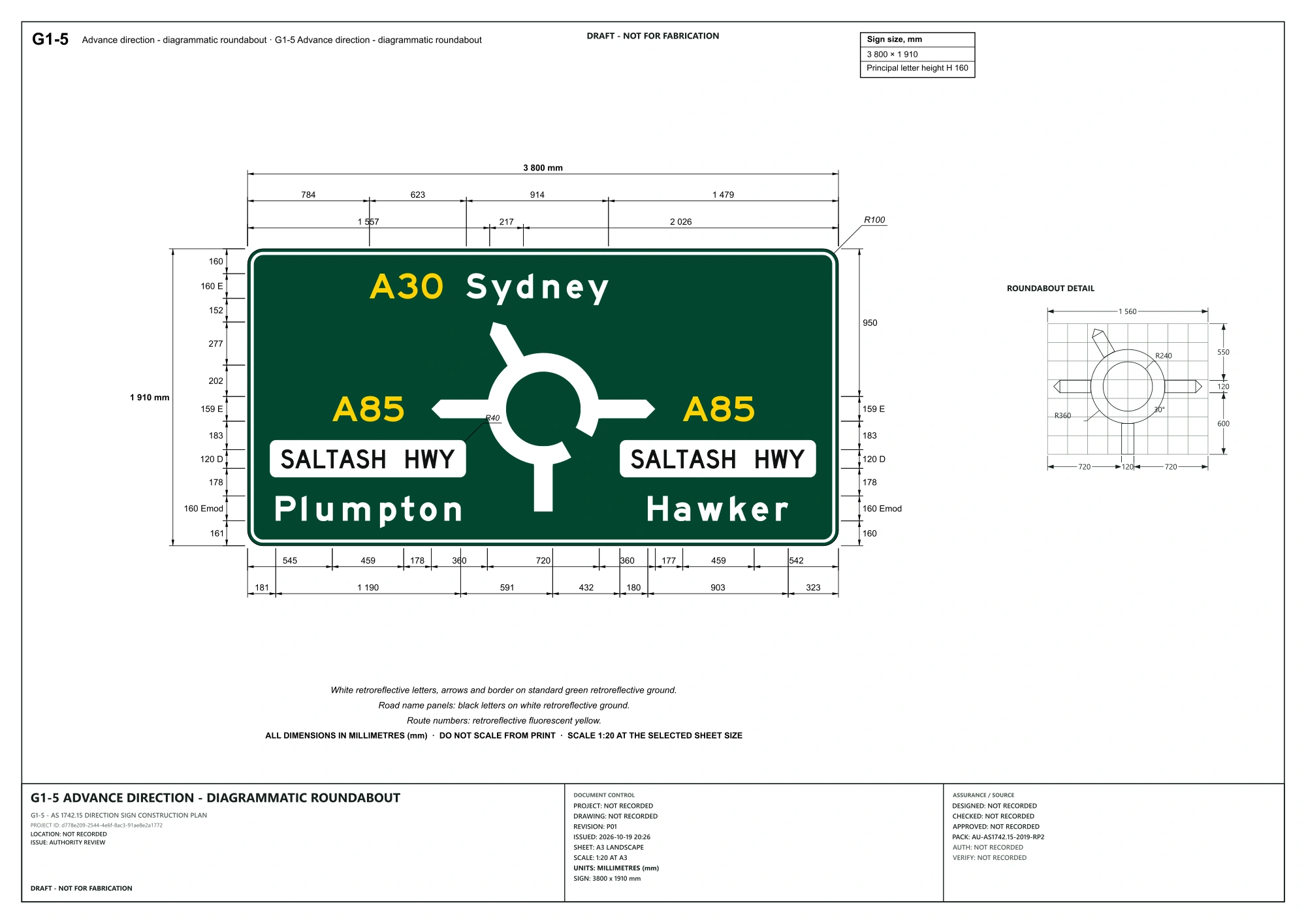
A real output · G1-5

Inspect an issued drawing set.

Exported from the roundabout template, unedited. Open the construction PDF, check the dimensions and the set-out schedule, and load the DXF in your CAD program.

Exported G1-5 A3 construction drawing, page 1 of 4
A3 construction set

A design audit certificate with every passing issue.

When the audit records no failing findings, the issue package carries a numbered certificate: the standards applied, every warning with its reference, and the SHA-256 of each issued file. File › Verify issue package confirms what a manufacturer or road authority received. The certificate records SignScribe's automated audit; approval stays with the road authority.

See SignScribe on your own signs.

Book a demonstration or ask for a trial. Tell us the road authority and the sign types you design.

Contact

Talk to the SignScribe team.

Ask for a demonstration or a trial, or tell us about a project.

Fields marked * are required. Do not include passwords, licence keys or confidential project data. Sending opens your email program with the enquiry ready to send.

Enter your name.
Enter a valid email address.
Enter a subject.
20 to 4,000 characters.Write at least 20 characters.